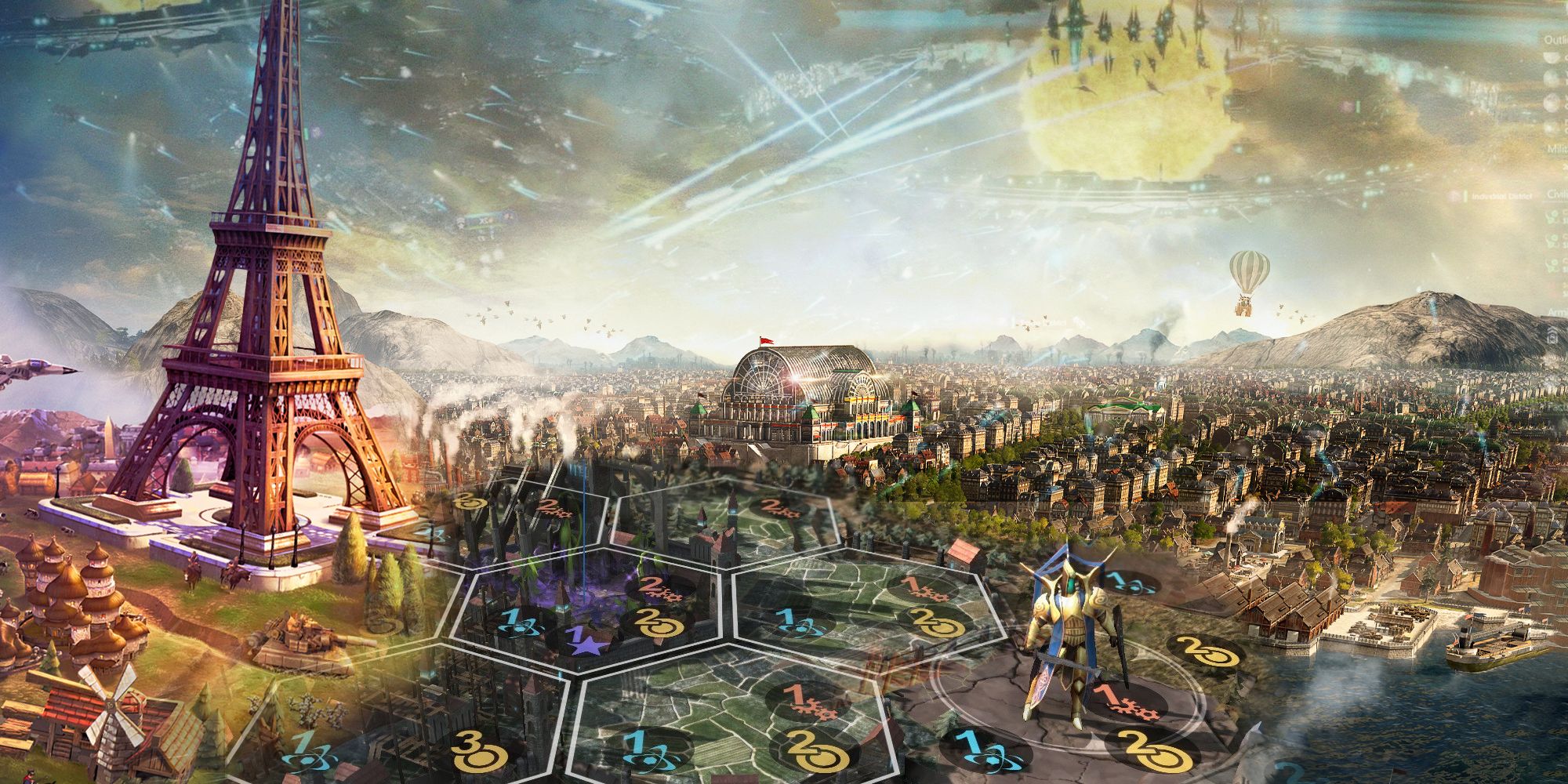
Kids don’t need complex simulations with tax rates and zoning laws to learn what it takes to design a city. The best computer games for kids building a city strip away the jargon and deliver intuitive, engaging experiences where creativity, logic, and cause-and-effect thinking come to life. These aren’t just digital playgrounds—they’re subtle classrooms disguised as colorful towns and bustling neighborhoods.
Done right, a city-building game teaches planning, resource management, and spatial reasoning. Done poorly, it frustrates with opaque mechanics or overwhelming interfaces. The key is finding games that match a child’s cognitive level while still offering meaningful choices and satisfying outcomes.
Below are the strongest city-building computer games for kids—curated for age-appropriateness, educational value, and fun-factor.
Why City-Building Games Work for Kids
Children are natural architects. Given blocks, sand, or crayons, they design homes, roads, and towns without prompting. Digital city-building games amplify this instinct with instant feedback, visual rewards, and systems that respond to decisions.
When a kid places a park next to a school and sees animated characters smiling, they learn about community planning. When they run out of power because they built too many houses too fast, they experience consequences tied to resource limits.
These games work because they: - Turn abstract concepts (like infrastructure or sustainability) into tangible actions - Encourage trial and error without real-world risk - Reward patience, sequencing, and long-term thinking - Promote narrative play—kids assign stories to the citizens they create
The best ones hide the lesson inside the fun. You won’t hear “I’m learning about urban planning.” You’ll hear “I made a city with a train and a zoo!”
Top 7 City-Building Games for Kids (Ages 6–12)
Not all city games are built for young minds. Many popular titles—like Cities: Skylines or SimCity—are too complex or contain mature themes. The following options are vetted for simplicity, positive reinforcement, and age-appropriate content.
#### 1. Minecraft (Creative Mode) - Platform: PC, Mac, iOS, Android, consoles - Why it works: With unlimited resources and no monsters in Creative Mode, Minecraft becomes a limitless city-building sandbox. Kids place blocks to design homes, roads, farms, and even functional redstone-powered systems. - Educational perk: Spatial reasoning, symmetry, and modular design - Tip: Use pre-built “city challenge” templates to guide younger players - Limitation: No built-in goals—best with light adult guidance
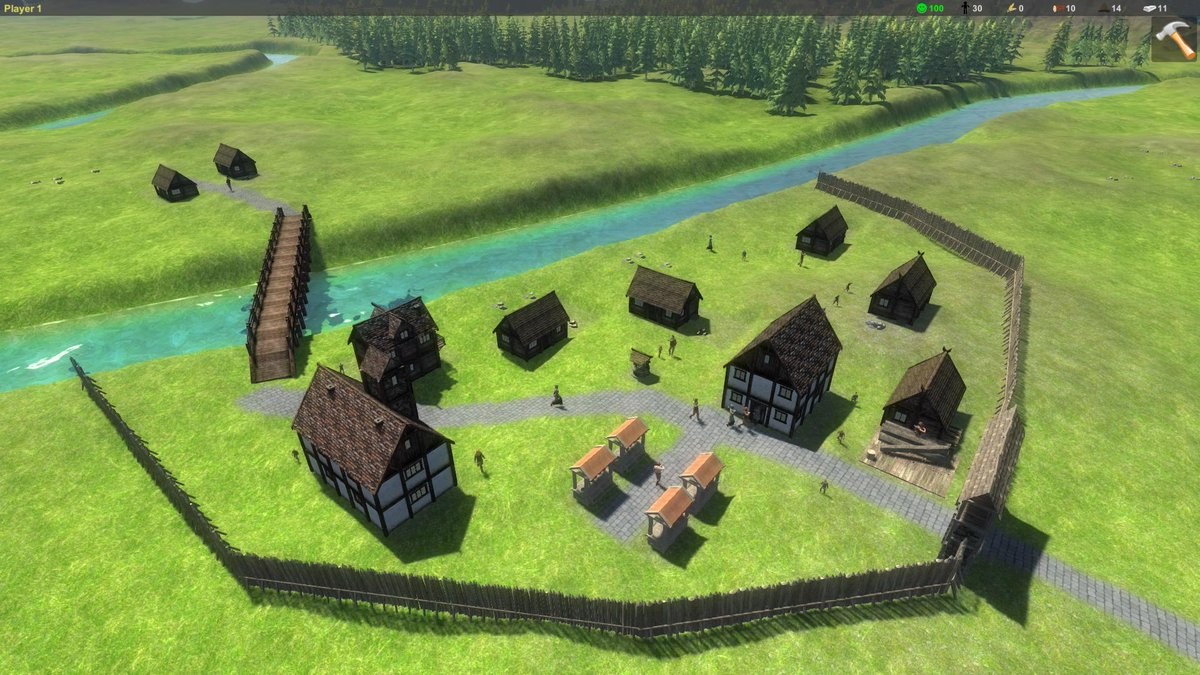
#### 2. LEGO City Undercover (Nintendo Switch, PC) - Platform: Switch, PC, Xbox, PlayStation - Why it works: Though primarily an action-adventure game, LEGO City lets kids explore a fully realized urban environment they can later reimagine. Bonus: the world is destructible and rebuildable in true LEGO fashion. - Educational perk: Environmental storytelling, civic roles (police, fire, mayor) - Note: Not a pure builder, but ideal for sparking ideas about city components
#### 3. Toca City - Platform: iOS, Android - Why it works: Made by Toca Boca, this open-ended app lets kids place buildings, roads, parks, and vehicles freely. No rules, no failure—just creative expression. - Best for: Ages 4–8 - Strength: Emphasis on daily life (buses, recycling, pets) rather than economics - Drawback: No saving custom cities in all versions
#### 4. Blockopia - Platform: iOS, Android - Why it works: A 3D city simulator where kids build skyscrapers, parks, and transit systems. Real-time population growth responds to their choices. - Unique feature: “Eco Meter” teaches green design basics - Ideal age: 8–12 - Downside: In-app purchases in free version (get the full version)
#### 5. Cities: VR (Meta Quest) – With Supervision - Platform: Meta Quest (VR) - Why it works: Surprisingly accessible in VR, this simplified city simulator lets kids “walk” through their creations. Placing power plants, water towers, and residential zones feels tactile. - Caution: Requires headset; best for ages 10+ - Bonus: Immersive perspective helps understand scale
#### 6. Scribble Town (by Crayola) - Platform: Web, limited app - Why it works: Kids draw buildings on paper, scan them with a webcam, and see them appear in a 3D city. Merges physical creativity with digital play. - Great for: Hands-on learners and reluctant screen users - Limitation: Requires printer and scanner; setup can frustrate younger kids
#### 7. Roblox: City Building Experiences (e.g., “Build a City”) - Platform: PC, mobile, Xbox - Why it works: Roblox hosts thousands of user-created city builders. Look for moderated, ad-light experiences with clear building tools. - Top picks: “Build a City 2,” “City Life Roleplay” (check parental controls) - Risk: Open chat and ads—always enable Safe Chat and parental PIN - Upside: Collaborative building with peers
What to Watch For (And Avoid)
Not every game labeled “city builder” is appropriate. Here are red flags parents and educators should spot:
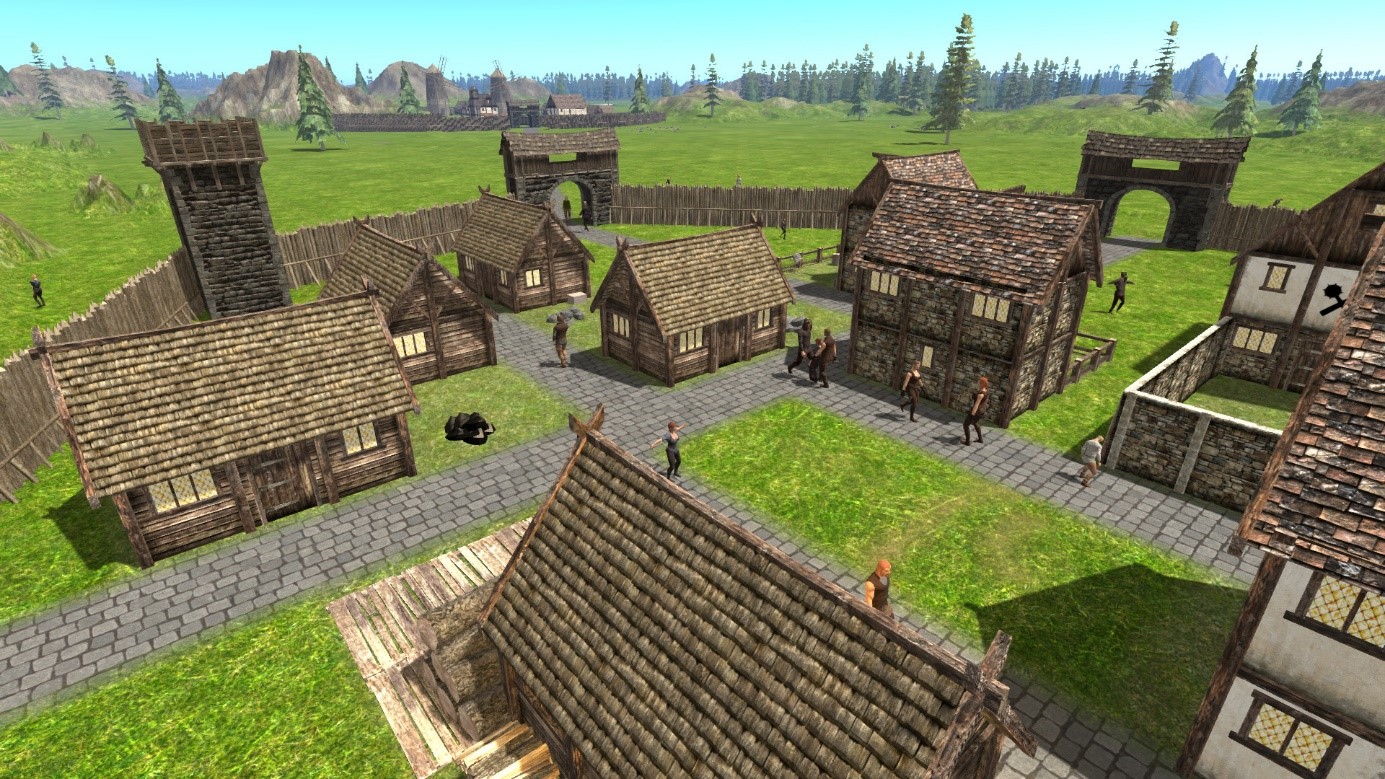
- Unmoderated multiplayer chat: Avoid games where kids can be contacted by strangers
- In-app purchases disguised as “upgrades”: Some apps bait kids into spending
- Overwhelming UI: If a 9-year-old can’t navigate menus in 5 minutes, it’s too complex
- Negative feedback loops: Games that “punish” with disasters or failure messages frustrate more than teach
Instead, prioritize: - Clear visual cues (icons over text) - Instant feedback (e.g., “Power Connected!”) - Freedom to experiment - Positive reinforcement (“Great job adding clean energy!”)
How to Turn Play into Learning
City-building games are more powerful when paired with light guidance. Try these real-world connections:
#### 1. Link to Local Infrastructure After building a hospital in-game, take a walk and point out real ones. Ask: - “How is this hospital different from the one you built?” - “What roads bring ambulances here quickly?”
#### 2. Run a Mini Design Challenge Give a weekly prompt: - “Build a city where no one needs a car” - “Design a town that runs on solar power” Then discuss trade-offs: “What did you have to remove to make space?”
#### 3. Compare with Real Cities Show a satellite map of your town. Ask: - “Where would you put a new park?” - “Is our school near housing or far away?”
These discussions build civic awareness—and kids love seeing their digital choices reflected in the real world.
Common Mistakes Parents Make
Even with the right game, missteps can drain the fun or learning:
- Over-structuring: Don’t turn play into homework. Let kids lead.
- Ignoring co-play: Joining in (even for 10 minutes) deepens engagement. Try, “Can I build the library?”
- Skipping debriefs: A quick “What did you learn?” after play cements insights
- Assuming all games are equal: Some “educational” games are just flashcards in disguise. Real city builders involve systems, not just clicking
The Verdict: Start Simple, Build Up
The best computer game for kids building a city isn’t the most realistic—it’s the one that keeps them engaged, experimenting, and asking “What if?”
For ages 4–7: Start with Toca City or Scribble Town—low pressure, high creativity. For ages 8–10: Minecraft Creative Mode or Blockopia offer depth without frustration. For ages 10+ with supervision: Roblox city servers or Cities: VR add collaboration and realism.
All these games share one thing: they let kids feel the power of creation. They learn that cities aren’t just built by adults with degrees—they’re shaped by ideas, empathy, and the courage to try something new.
Final Tip: Keep It Balanced
One hour of city-building play can teach more about systems thinking than five worksheets. But balance is key. Pair screen time with physical builds: cardboard towns, LEGO districts, or neighborhood walks.
The goal isn’t to raise future urban planners—though some might become one. It’s to nurture thinkers who see problems as puzzles, and communities as something they can help shape.
Start small. Build together. Watch what grows.